How to theme Angular Material faster (custom theme in 3 steps)
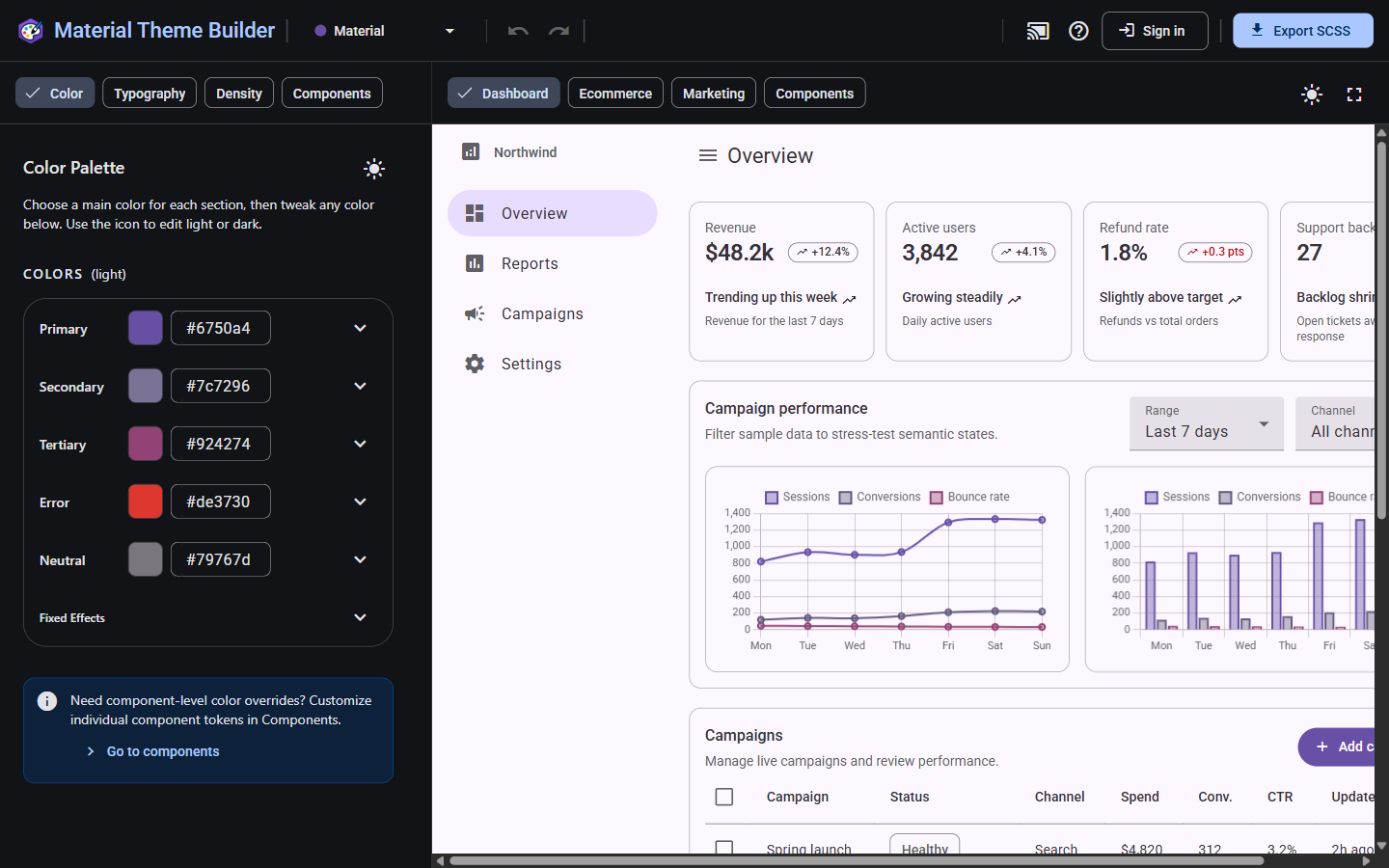
You can theme Angular Material in three focused steps: open the builder, pick or tweak a theme, then export SCSS you paste into your app. No manual token spreadsheets required.
Step 1 — Open the builder and pick a built-in theme
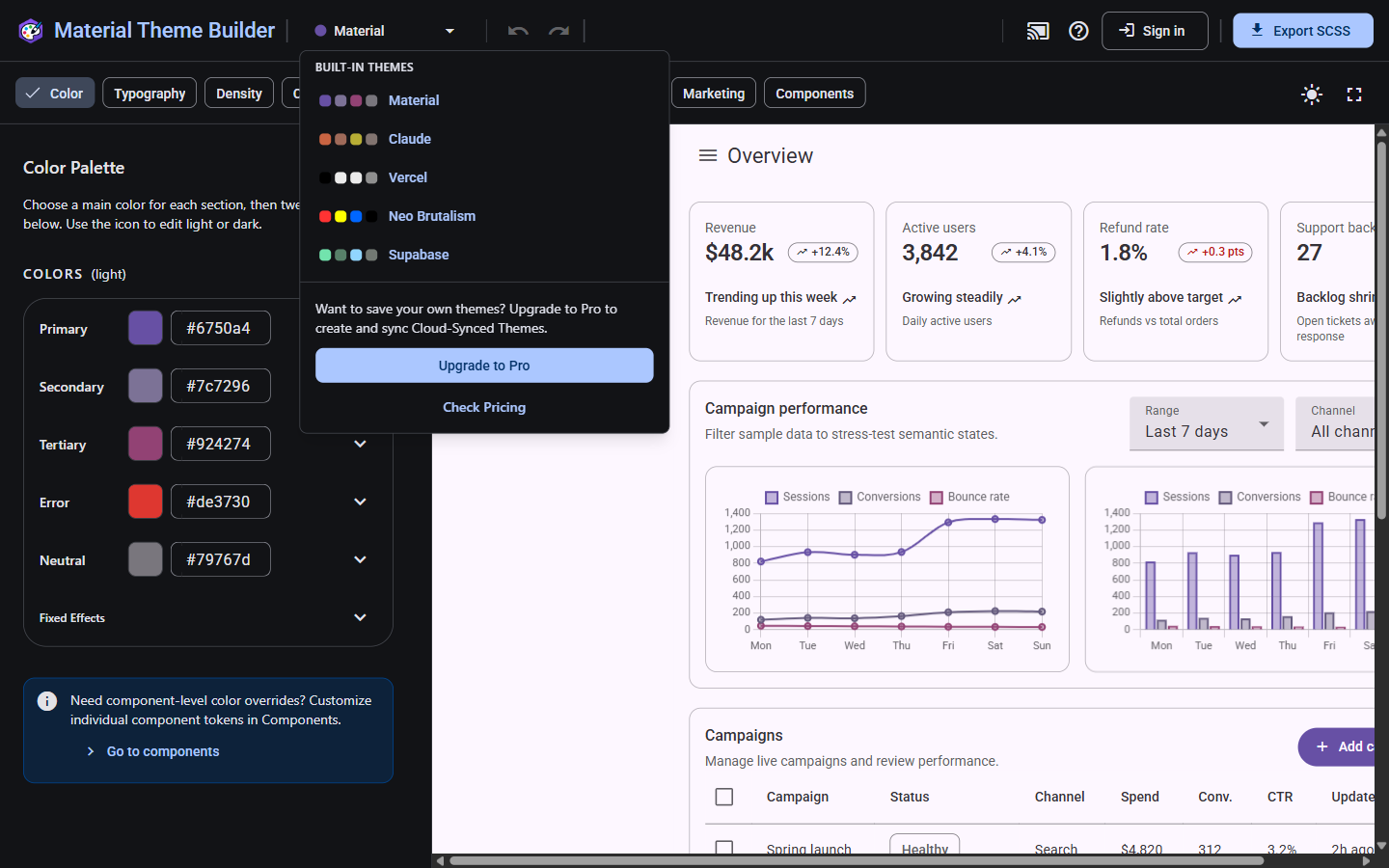
Open the builder and start from a built-in theme instead of a blank canvas. Good starting points:
- Claude — Warm neutrals with a soft accent
- Vercel — High-contrast monochrome
- Neo Brutalism — Bold borders and flat color blocks
- Supabase — Dark green developer aesthetic
- Material — Canonical Material 3 baseline
Click a preset to load its palette, typography, and density. The live preview updates immediately so you can compare options before customizing.
Step 2 — Tweak color, typography, and density
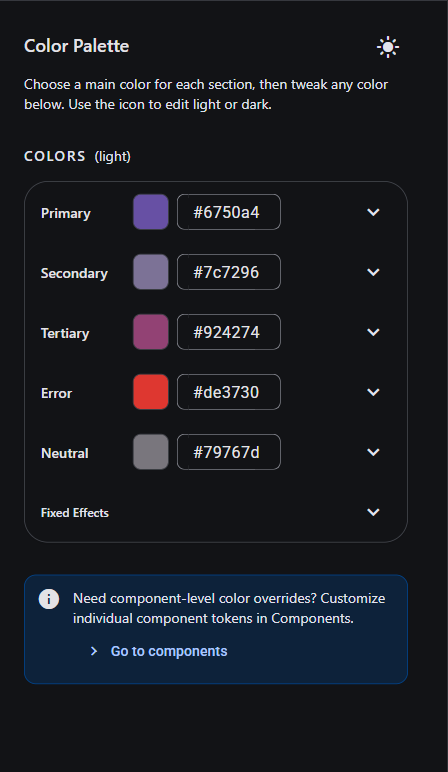
Use the color editor to adjust primary, secondary, and surface roles. Change font family, weight, and tracking in the typography panel. Try one component—buttons or cards—to see how tokens propagate.
Undo and redo while you experiment. Your work persists in local storage, so you can close the tab and return later without losing progress.
Step 3 — Export SCSS and apply it
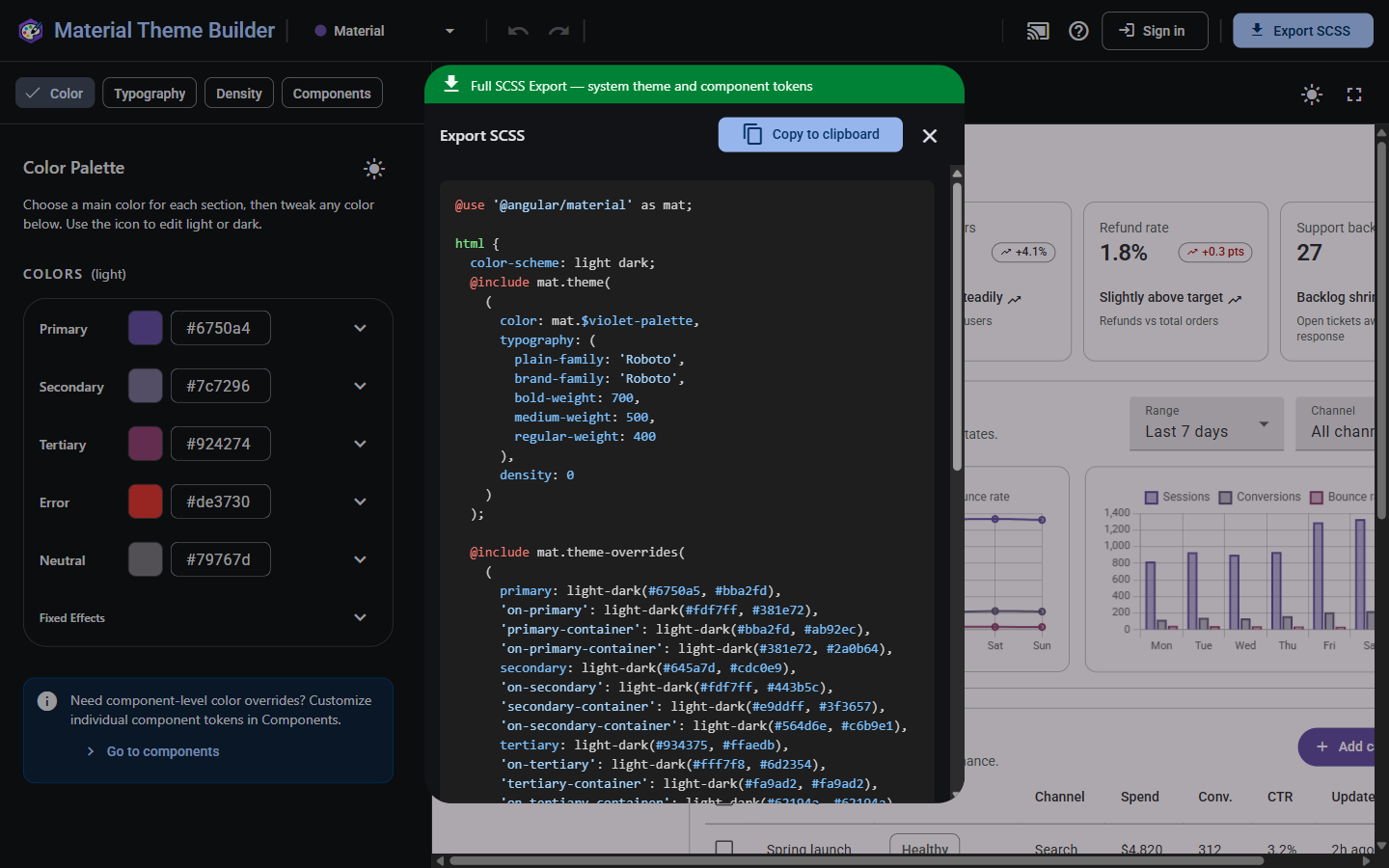
Open the export panel and copy the generated SCSS. Paste it into your app's global styles.scss (or a dedicated theme partial imported there).
@use '@angular/material' as mat;

html {
  @include mat.theme((
    color: (
      primary: mat.$azure-palette,
      tertiary: mat.$blue-palette,
    ),
    typography: Roboto,
    density: 0,
  ));
}
Replace the palette references with the exported values from the builder. Rebuild your app—the preview and production build share the same token source.
Optional polish
After the base theme works, tune individual component tokens (chips, dialogs, tables) in the builder. When you want a different preset, switch built-in themes and re-export—faster than editing SCSS by hand.
Under the hood
Angular Material 3 themes compile down to CSS custom properties via mat.theme(). Material Theme Builder edits the same M3 token model the export emits, so what you see in the preview matches what lands in your stylesheet.